Private
Keep your residence private
Use a real mailing address instead of sharing your home address.
Get a real U.S. street address for personal or business mail, then view, scan, forward, or manage mail online from anywhere.
Plans from $7.99/mo · Real U.S. street address · 30-day money-back guarantee
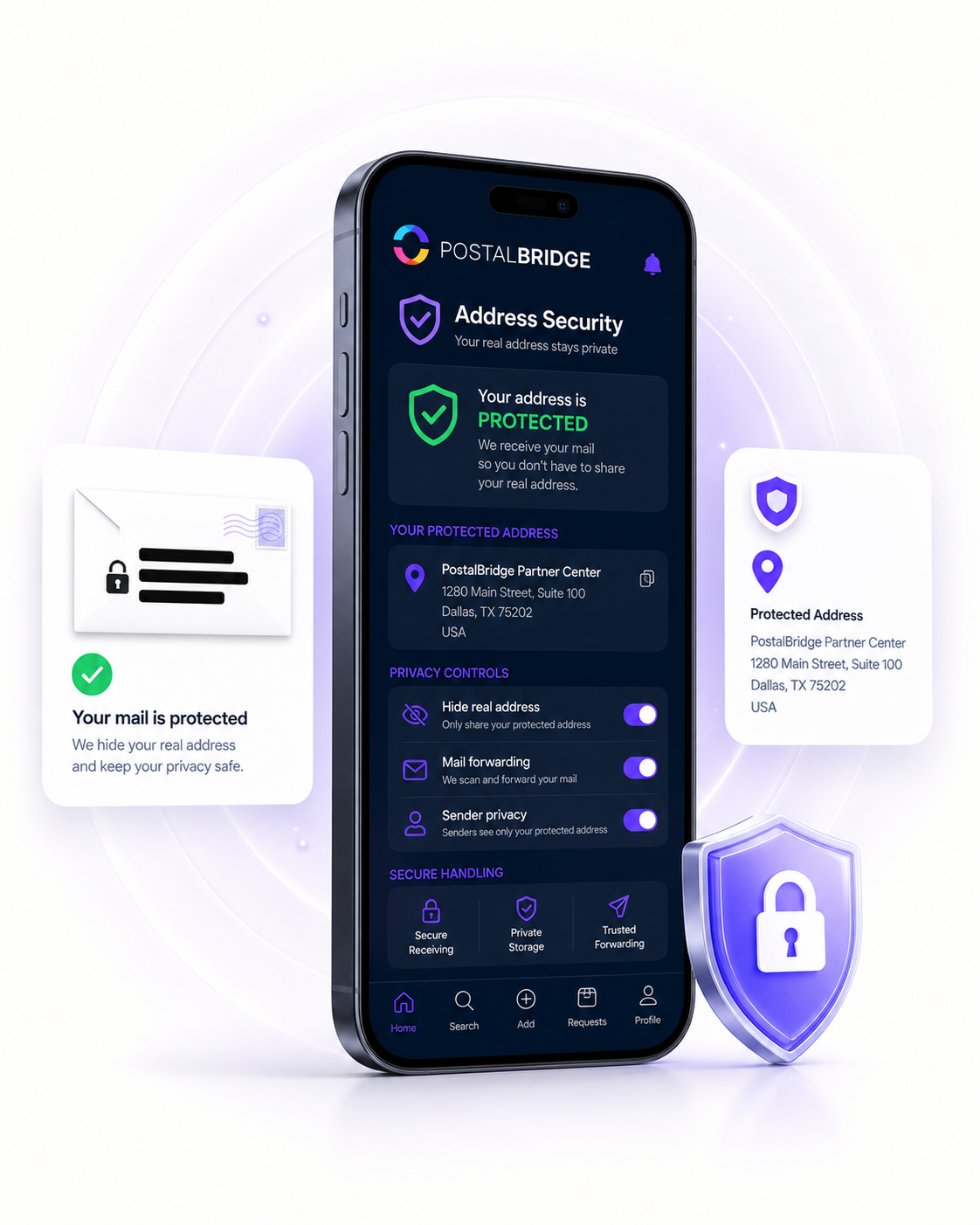
Your home address can end up on forms, websites, vendor accounts, business listings, shipping records, and public documents. PostalBridge gives you a real U.S. street address so you can keep personal mail and business mail separate from where you live.
Private
Use a real mailing address instead of sharing your home address.
Online
See incoming mail in your account and choose what happens next.
Flexible
Request forwarding so important mail can reach you wherever you are.
Step 1
Pick an available partner mail center location.
Step 2
Finish account setup and required mailbox authorization.
Step 3
Use your PostalBridge address for personal or business mail.
Step 4
View incoming mail and request scans, forwarding, pickup, storage, shredding, or archiving where supported.
PostalBridge partners with participating mail centers so you can use a real U.S. street address and your own mailbox number.
When mail arrives, you are notified right away. From your dashboard, you can view incoming envelopes and choose what happens next: request a scan, forward the original, store it, or shred junk mail.
The result: better privacy, reliable mail access, and a simpler way to manage mail from anywhere.
PostalBridge connects you with vetted partner mail centers that receive your mail, handle requests, and support your digital mailbox workflow.
Choose a real location, complete mailbox verification online, and manage your mail from anywhere.
Your mailbox is tied to an authorized partner location reviewed for mail intake, handling, and customer support.
View incoming mail, request scans, forward items, or pick up locally where supported.
Your address, plan, recipients, and handling options stay connected to the mail center you choose.

Real partner mail centers support the address and mail-handling workflow behind your digital mailbox.
Need regular scanning or shredding?
30-day money-back guarantee
Try PostalBridge risk-free. If it's not the right fit, cancel within 30 days of your successful signup payment and we'll refund your original signup payment, excluding pass-through costs like shipping, deposits, and per-use fees.
* Postage/shipping billed separately.
Starter plans have lower monthly pricing. Overages and select add-ons are priced 20% higher than Basic and above.
Applies to all plans: 30-day storage included | Free discard on request | 48-business-hour processing SLA | Secure shredding available